
WEBINAR – AI in Your Workday: 5 Things Copilot Can Do for You
- When
- Friday 20.11.2026 · 10:00–11:00Local time (Europe/Tallinn)
- Where
- Haapsalu Kultuurikeskus, Posti tänav 3, 90510 Haapsalu, Lääne maakond
- Organizer
- Primend OÜ

How much of your workday goes into processing emails, preparing for meetings, searching for information, and creating first drafts? In this practical online workshop, we’ll use five real workplace scenarios to show how Microsoft 365 Copilot can help you get an overview of the information you need faster, prepare tasks, and move on to the next step.
This is not a general introduction to Copilot’s features. Tõnis Tikerpäe will give live demos in a Microsoft 365 environment and show how to use Copilot when working with emails, Teams chats, meetings, documents, and your organisation’s own knowledge.
In the workshop, you’ll see how to use Copilot to:
- Quickly catch up on what has happened in emails, Teams chats, and meetings.
- Prepare for a client or internal meeting using information already available in Microsoft 365.
- Find answers in SharePoint and other sources within your organisation’s Microsoft 365 environment.
- Create a summary, follow-up email, next steps, or a first draft of a document based on a meeting.
- Move beyond individual AI prompts to agents and multi-step tasks.
We’ll also discuss what an organisation needs to know about its Microsoft 365 data, SharePoint permissions, and information security before rolling out Copilot more widely. Copilot does not grant users new access rights, but it makes information they can already access much easier to find. It is therefore important to know what information people can access and whether permissions meet the organisation’s actual needs.
**What you’ll get from the workshop**
By the end of the workshop, you’ll have at least five practical ideas for using Copilot in your everyday work, along with a better understanding of what an organisation should consider before adopting AI more widely.
**Who is it for?**
The workshop is for people who use Microsoft 365 applications at work and want to learn how to apply Copilot to real tasks. Managers, sales and account management specialists, project managers, and office workers in finance, HR, marketing, and other fields are welcome. No previous experience using Copilot is required.
**What you need to participate**
You’ll need an internet connection and the ability to use Microsoft Teams. A personal Microsoft 365 Copilot licence is not required, as the trainer will demonstrate the practical examples live in a demo environment.
The workshop will be led by Tõnis Tikerpäe, Primend’s Microsoft Services Business Manager and a Microsoft products trainer. Tõnis helps companies find practical uses for Microsoft 365 and Copilot and adopt these solutions in ways that take both everyday work and organisational data security into account.
**Organiser**
Primend is a seven-time Microsoft Partner of the Year and a Microsoft solutions partner with long-standing experience in the Baltics. Primend helps organisations adopt Microsoft 365, Copilot, cloud, and cybersecurity solutions in practical, secure, and effective ways.
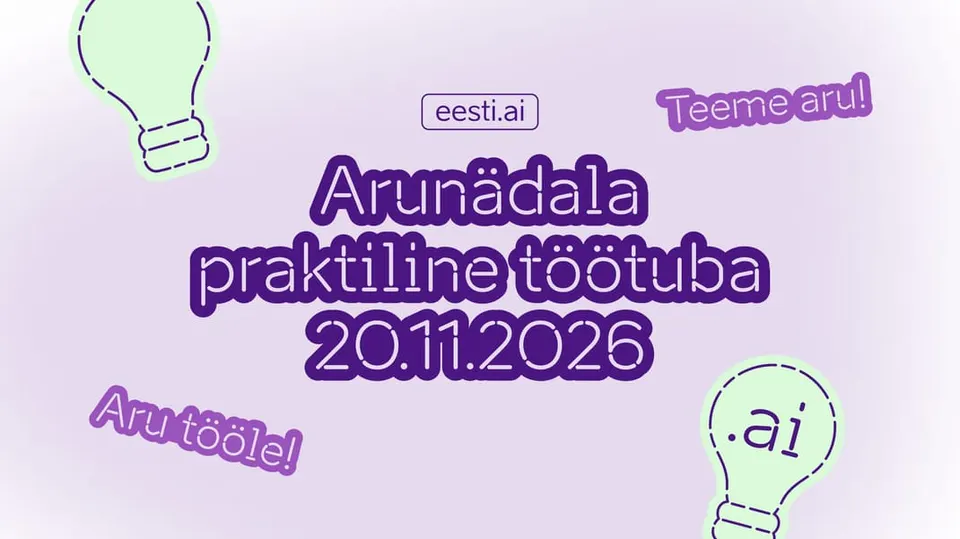
The online workshop is part of Eesti.ai AI Week and supports the initiative “The Most AI-Savvy Nation” in its goal of bringing practical and responsible AI skills to as many people in Estonia as possible.
Information comes from the event source. Check changes with the organizer.